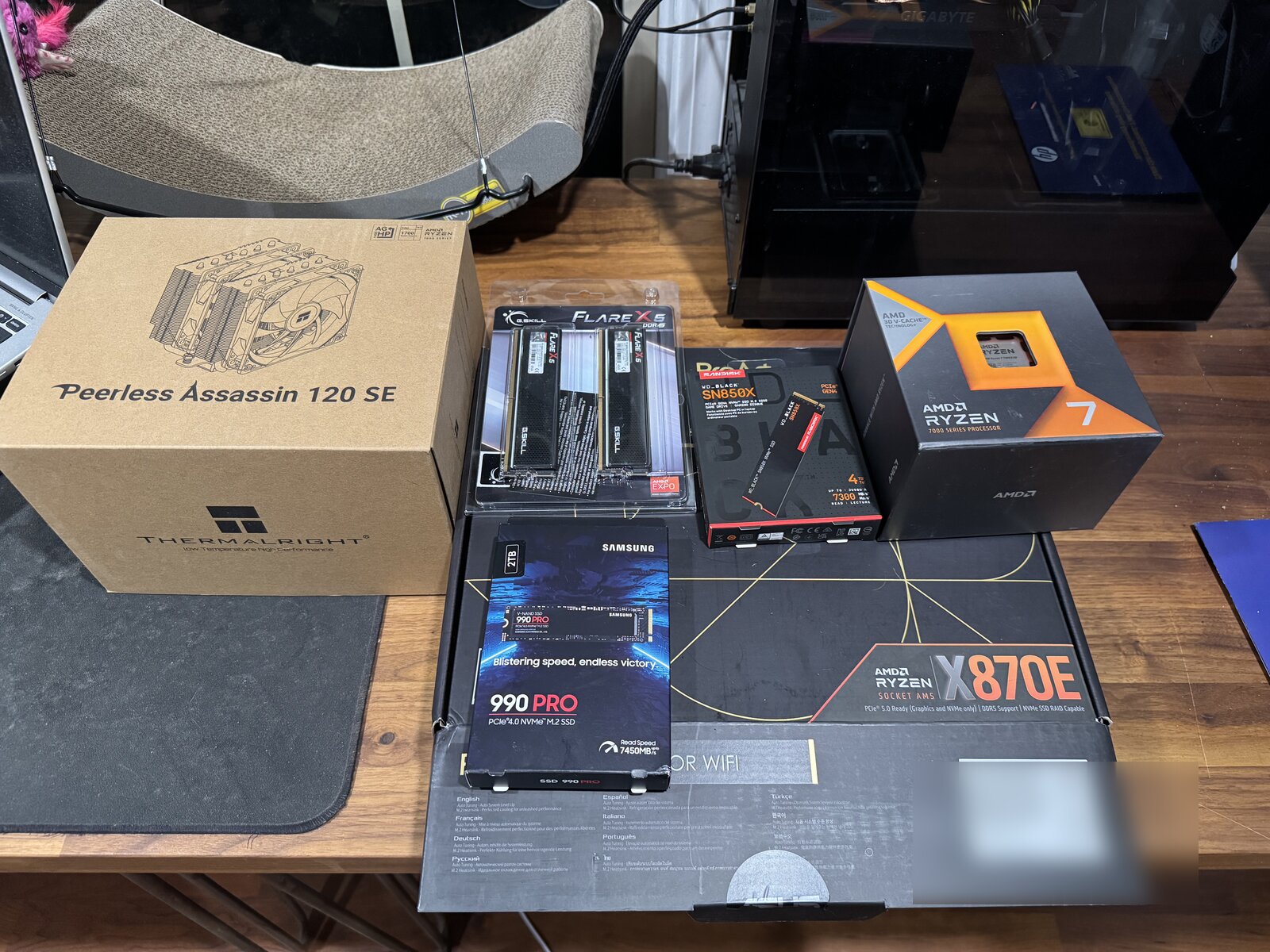
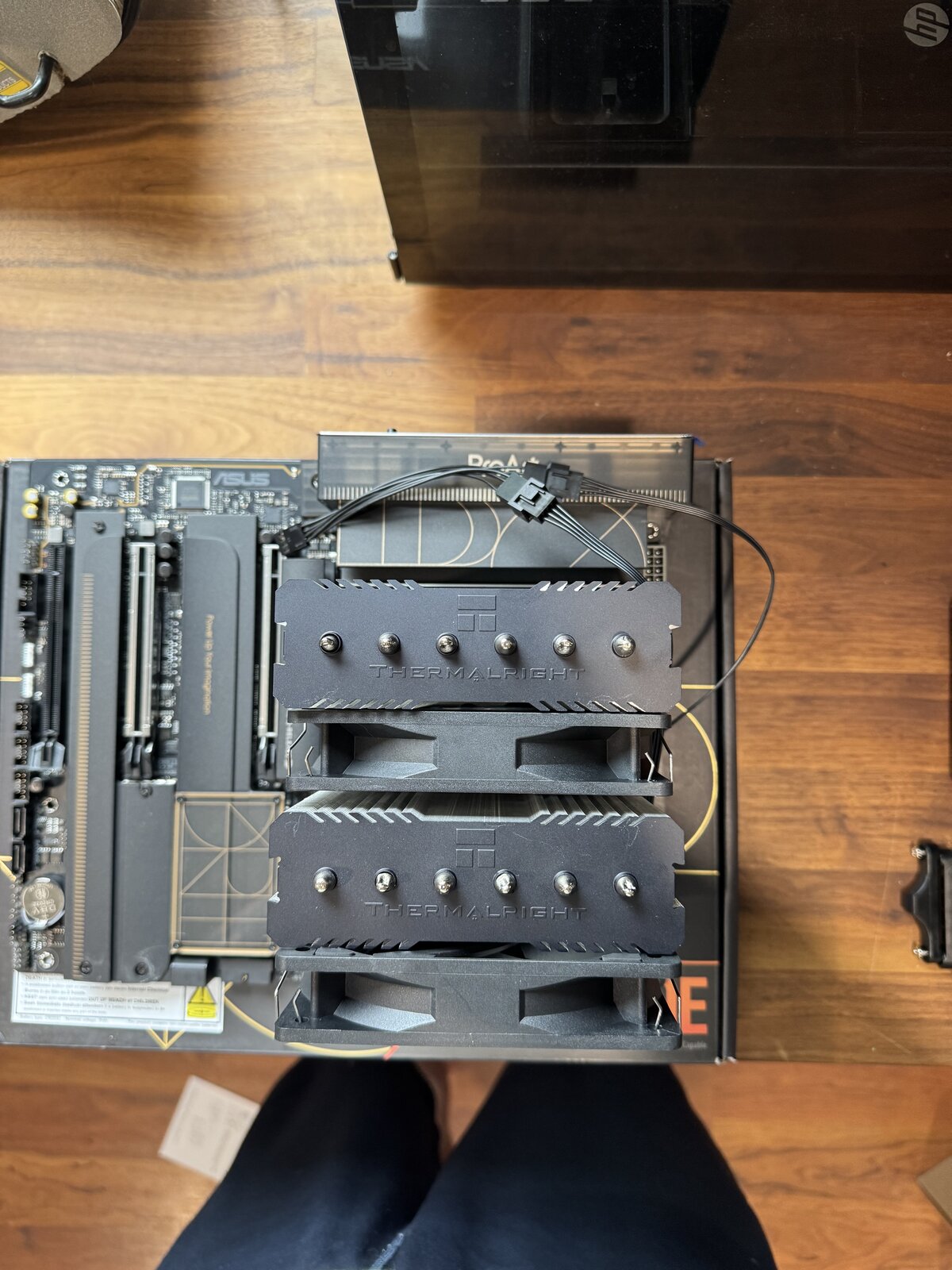
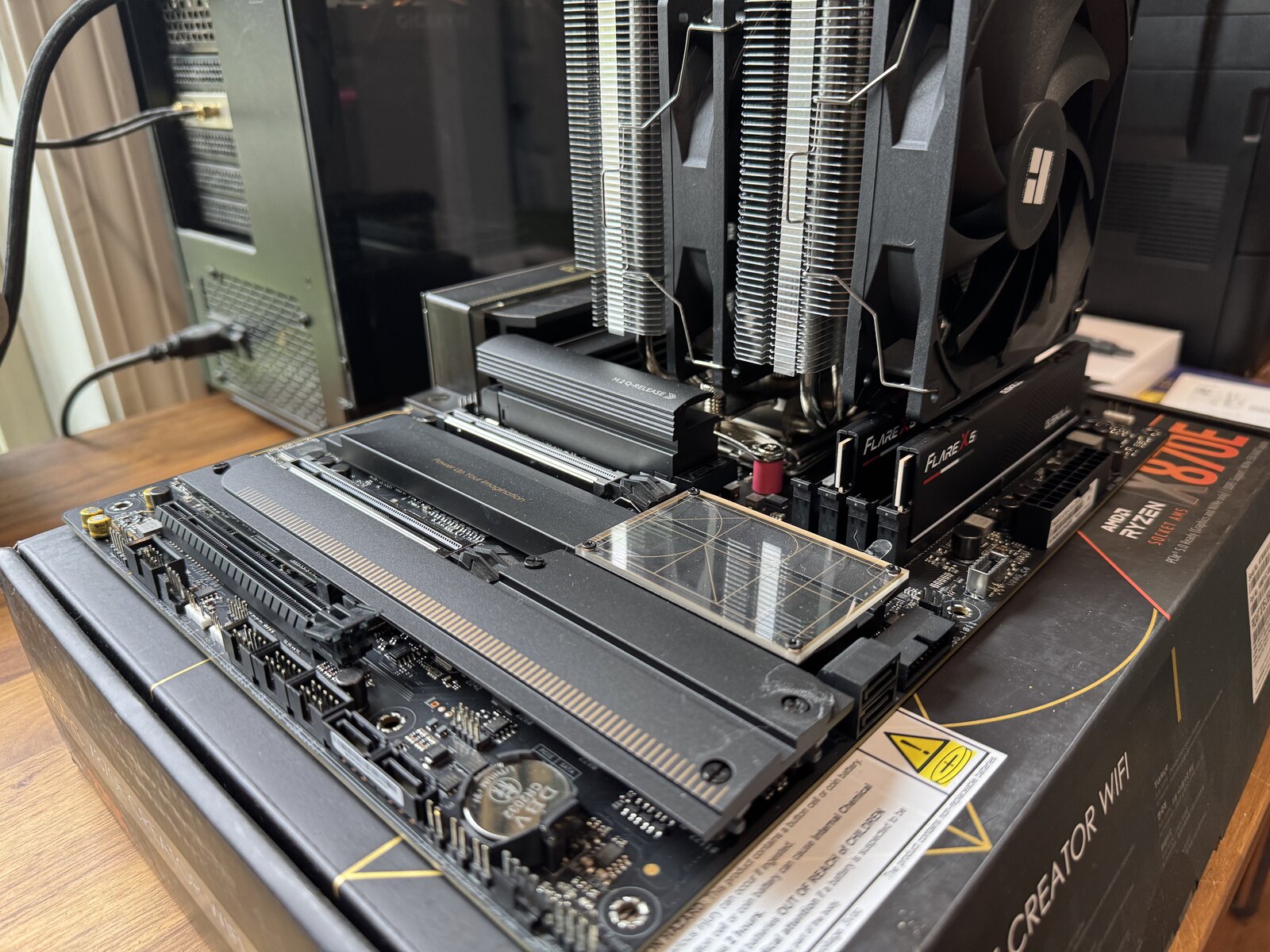
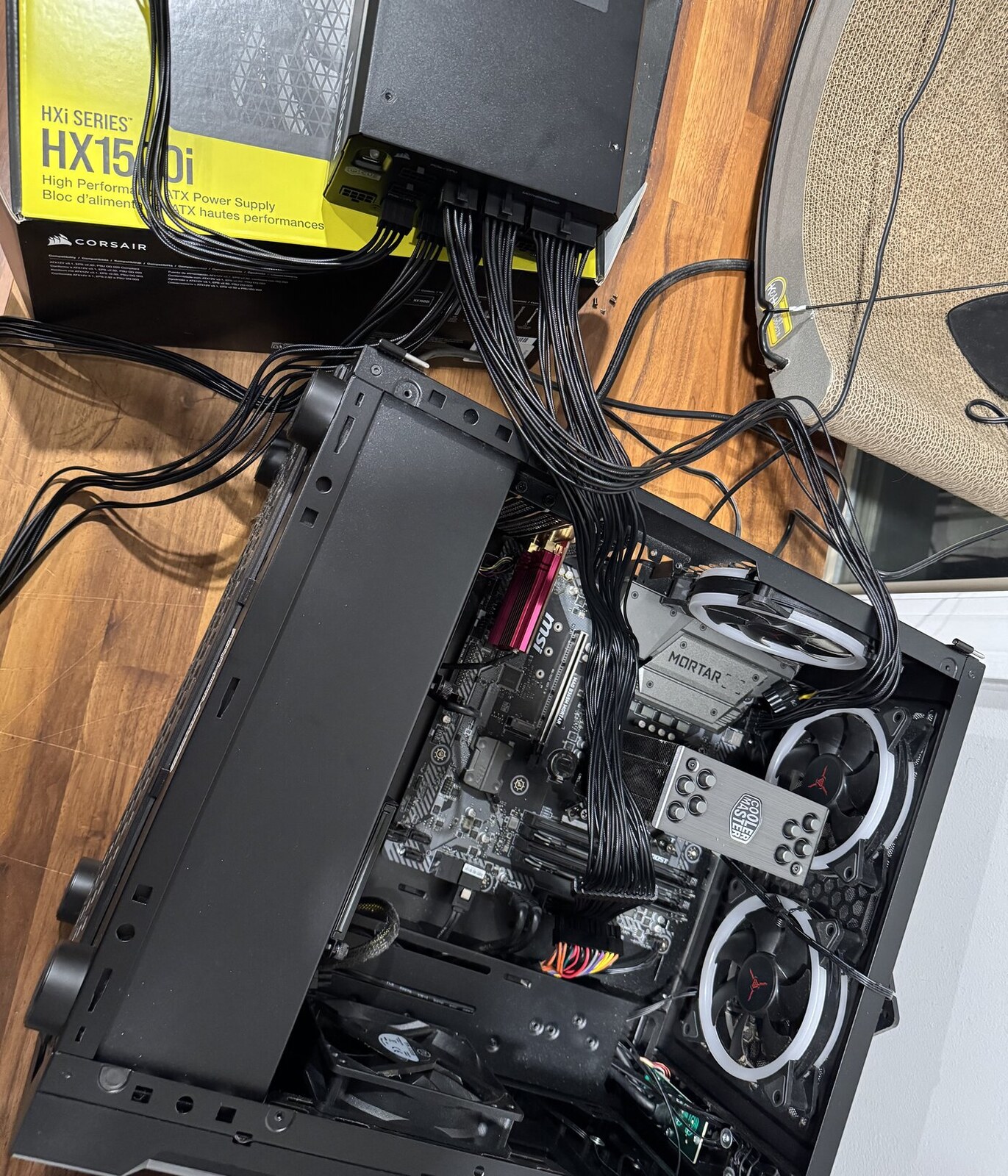
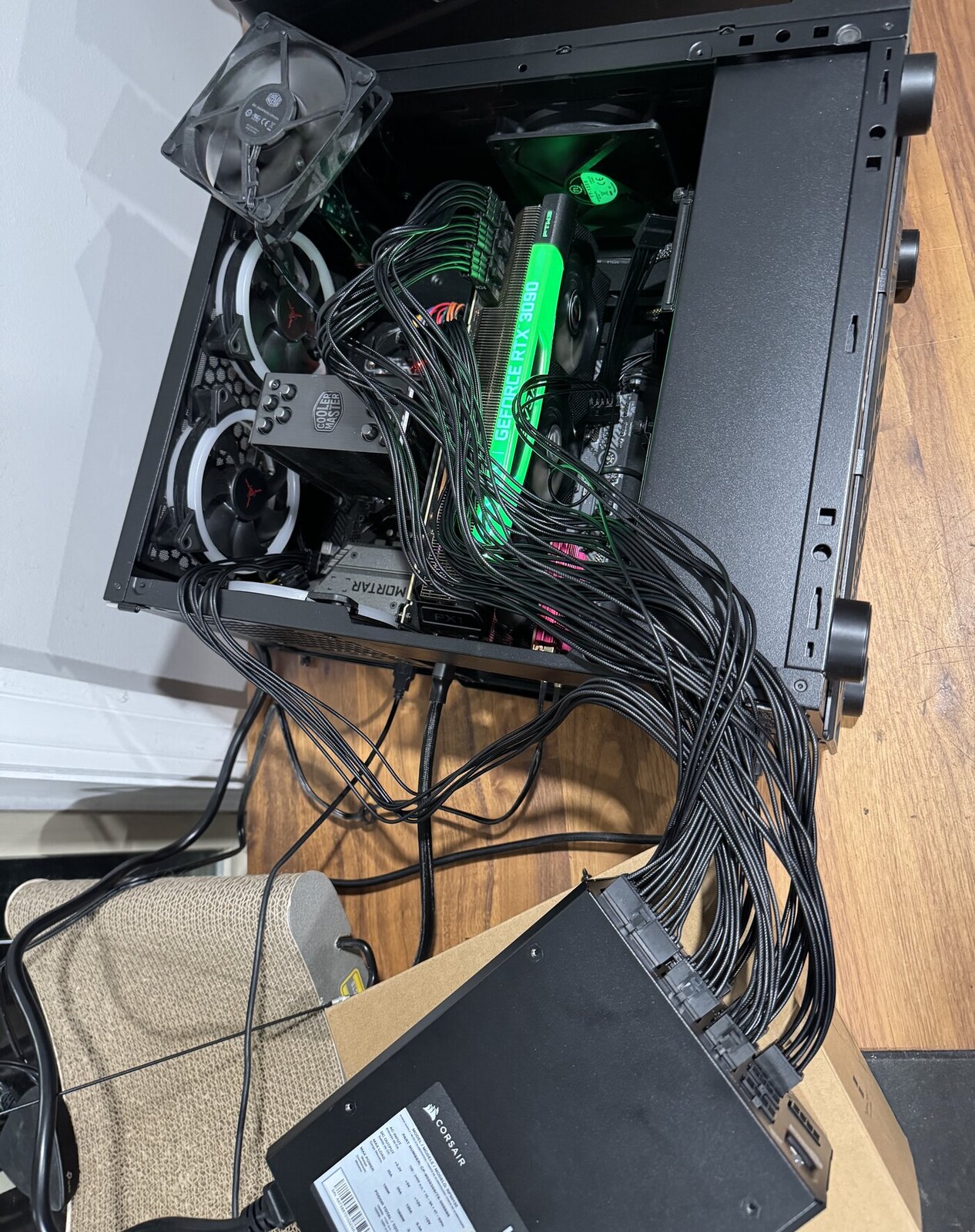
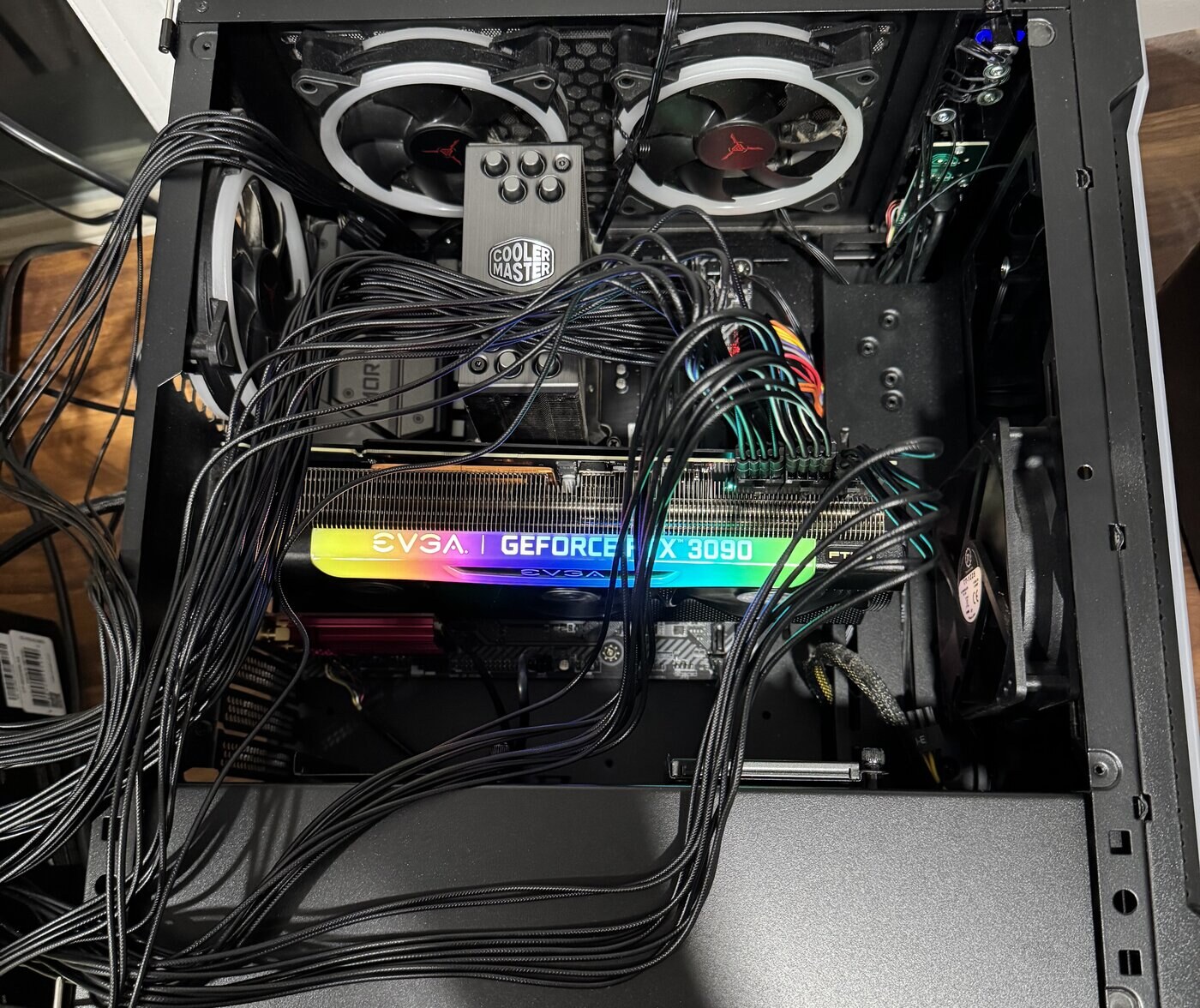
Part 2 of the build - both cards passed the bench test, which meant the gamble turned into a build. I had never built a computer before this one, so most of what's below is me learning something the hard way and writing it down..maybe someone else can use it.
The order I did things in: assemble it on the motherboard box first, before anything goes near the case. CPU in the socket, memory in the two slots the manual actually names, both drives, the cooler, one graphics card. Then power it on sitting on the box. If something's wrong you find out on a table instead of after a day of cable management.
It came up. Then the BIOS: EXPO on so the memory isn't sitting at its safe default speed, and the integrated graphics forced on, because I want the desktop coming off the processor and both 3090s doing nothing but compute.
Then everything into the case, powered on again, and Linux. One trap worth knowing: the drive names under Linux are just enumeration order — nvme0n1 and nvme1n1 say nothing about which drive is which. Size is the only reliable tell. I photographed the screen and read the list back before selecting anything, because the drive I was about to erase was the wrong one.
Ubuntu 26.04.1 on the 2 TB drive, the 4 TB deliberately left empty and then formatted as the model drive. ComfyUI on Python 3.14 and PyTorch 2.14 with CUDA 13. I skipped the CUDA toolkit on purpose — nothing needed it, and the metapackage drags in about 2.4 GB of GUI tools and profilers.
Then the models. About 214 GB of them, and two lessons:
- The first download script died silently, six and a half hours in. Each stage waited for the stage before it to print a particular line — and that line never came. No error, no progress, load average zero. It looked exactly like a job that was still working. The rewrite checks things you can actually measure (does the file exist, is its size byte-for-byte what the server says) and logs a failure and moves on, so one bad file can't stall the other thirty-seven.
- It downloaded at around 8 MB/s. Not the connection — the board's 10-gigabit port had negotiated 100 Mb/s with whatever is on the other end of that cable. Still on the list to chase down.
What it does now. A 1024×1024 image takes 12 seconds; native 2048×2048 takes 82. Peak draw is 419 W. Then video, which is the entire reason for the machine: a 5-second clip at 832×480, fast path, in 105 seconds. The same clip on my Mac's GPU had taken about 70 minutes. The slower higher-quality path takes 15.7 minutes, and the model that generates video together with synchronized audio does a 5-second clip in about 5 minutes.
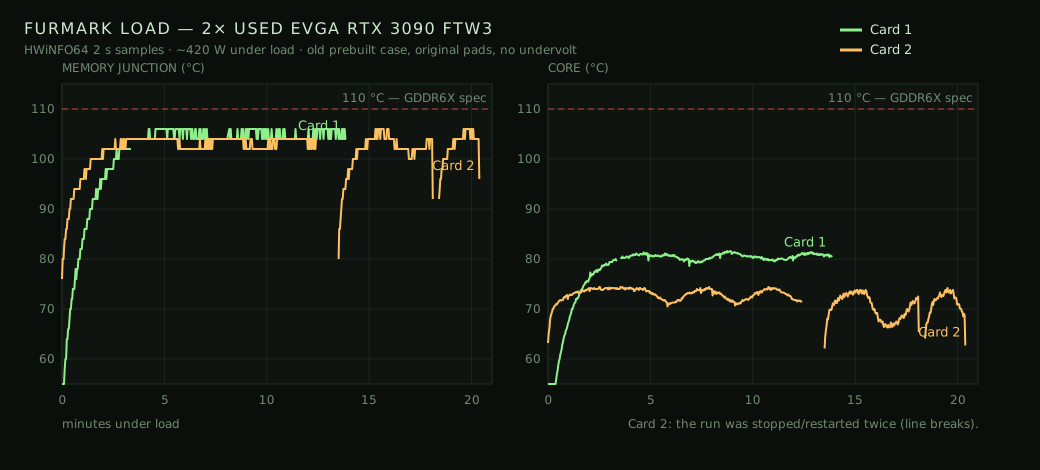
The uncomfortable part is temperature. On Windows, HWiNFO reads the GDDR6X memory junction. On Linux, NVIDIA's driver only exposes core temperature. On the bench, the second card hit 106 °C at the memory junction while its core read 74 °C. So the one number that decides whether these cards are safe to run flat out is the number this machine cannot see. Undervolting both cards is the plan, and until then I don't run it unattended for long stretches.
Two more things I didn't know going in:
- ComfyUI does not pool memory across two cards. Two cards means two jobs, not one bigger job. The intended split is video on one card and a language model resident on the other.
- The 4-bit format is Blackwell-only. These are Ampere cards. The 8-bit path works fine, but it's emulated in software on this generation — it costs nothing extra, it just doesn't buy any speed.
What's left: the second card into the second slot, which is blocked on one more power cable — each of the three connectors on a 3090 wants its own cable, and the supply only ships with five. Then the panels back on, an undervolt, a long soak test, and wake-on-LAN, because the alternative is leaving a machine in the basement drawing about 100 W forever.
Not finished. But the thing it was built for went from over an hour a clip to under two minutes, and everything after this is tuning. Shout out my Hermes agent for the help!!
ProcessorAMD Ryzen 7 7800X3D · ASUS ProArt X870E-Creator
Memory64 GB DDR5-6000 (EXPO on)
Storage2 TB NVMe system · 4 TB NVMe for models
OSUbuntu 26.04.1 · NVIDIA driver 595.91.07
RenderingComfyUI 0.37.0 · PyTorch 2.14 (CUDA 13)
Statuscard 1 running · card 2 still boxed